

Table of Contents
Ergonomic chair lumbar support has become the must-have feature for anyone working long desk hours and struggling with back pain. The right support can make a measurable difference in comfort and health, but only if you understand how to choose and use it effectively.
What Is Ergonomic Chair Lumbar Support and Why Does It Matter?
Ergonomic chair lumbar support refers to the part of a desk chair designed to maintain the natural inward curve of your lower back. This feature isn’t just comfort marketing—medical reviews confirm that high-quality lumbar support can reduce the risk and intensity of back pain.
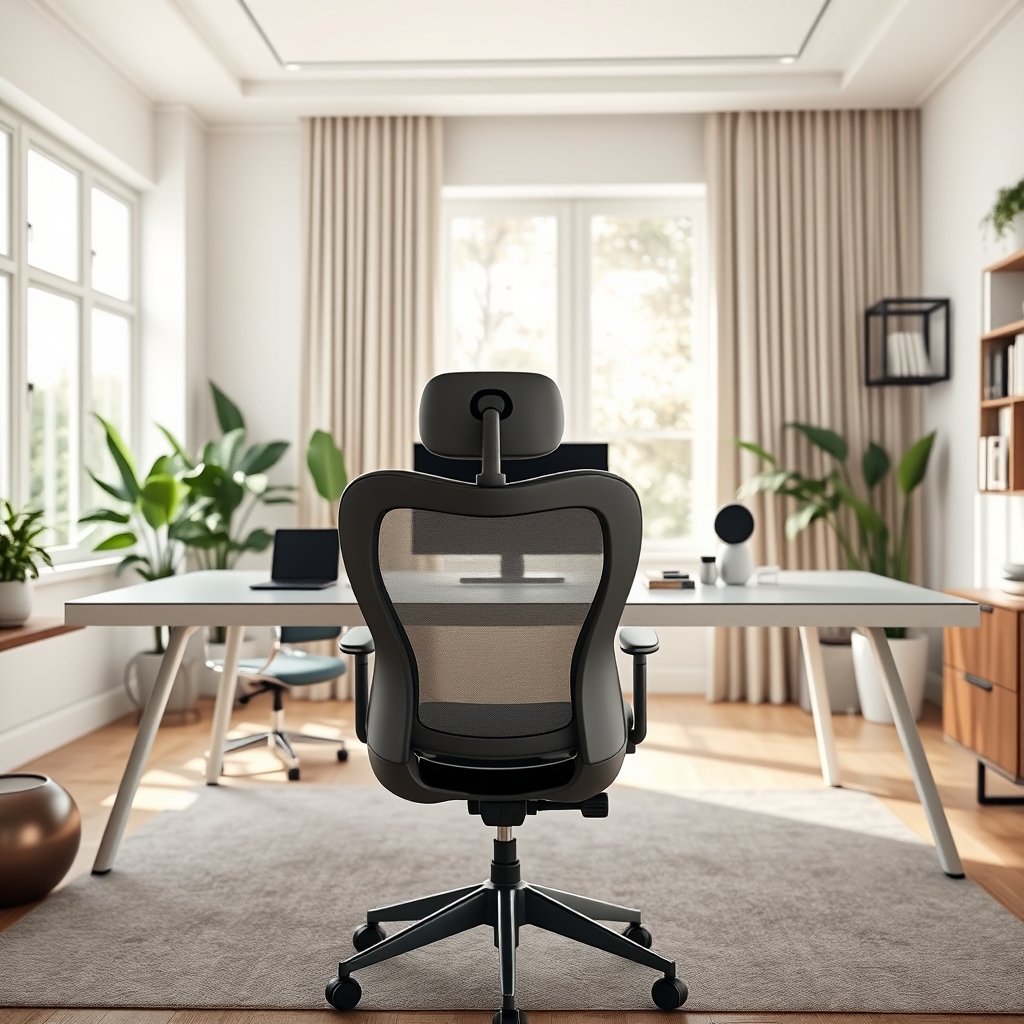
In a major 2024 systematic review and meta-analysis, 24 randomized controlled trials showed that ergonomic interventions—especially including lumbar supports—cut lower back pain risk in half for office workers. Earlier studies, such as Roelofs et al., found fewer low back pain days and improved function in users with proper lumbar support.
The reason is straightforward: sitting compresses the spine. Without the right lumbar cushion or contour, your muscles tire out and your posture collapses. Over time, this causes or worsens chronic pain, especially if you sit more than six hours each day, as most desk workers now do.
But not all lumbar supports are created equal. The key is adjustability—your lumbar region has a unique curve. A support that’s too high, too low, or too rigid can worsen discomfort instead of solving it. That’s why premium ergonomic chairs with customizable lumbar systems are the new gold standard for remote workers and corporate offices alike.
How to Get the Most Out of Your Lumbar Support (Step-by-Step Guide)
Upgrading to an ergonomic chair with adjustable lumbar support doesn’t guarantee results. You need to set up your workspace and adjust your chair correctly for long-term relief and improved posture.
- Adjust Chair Height: Sit with feet flat on the floor. Adjust height so thighs are parallel and there’s no pressure under your knees.
- Set Seat Depth: The seat edge should rest 2-3 fingers behind your knees. If the depth isn’t adjustable, choose a chair with a waterfall edge to reduce pressure.
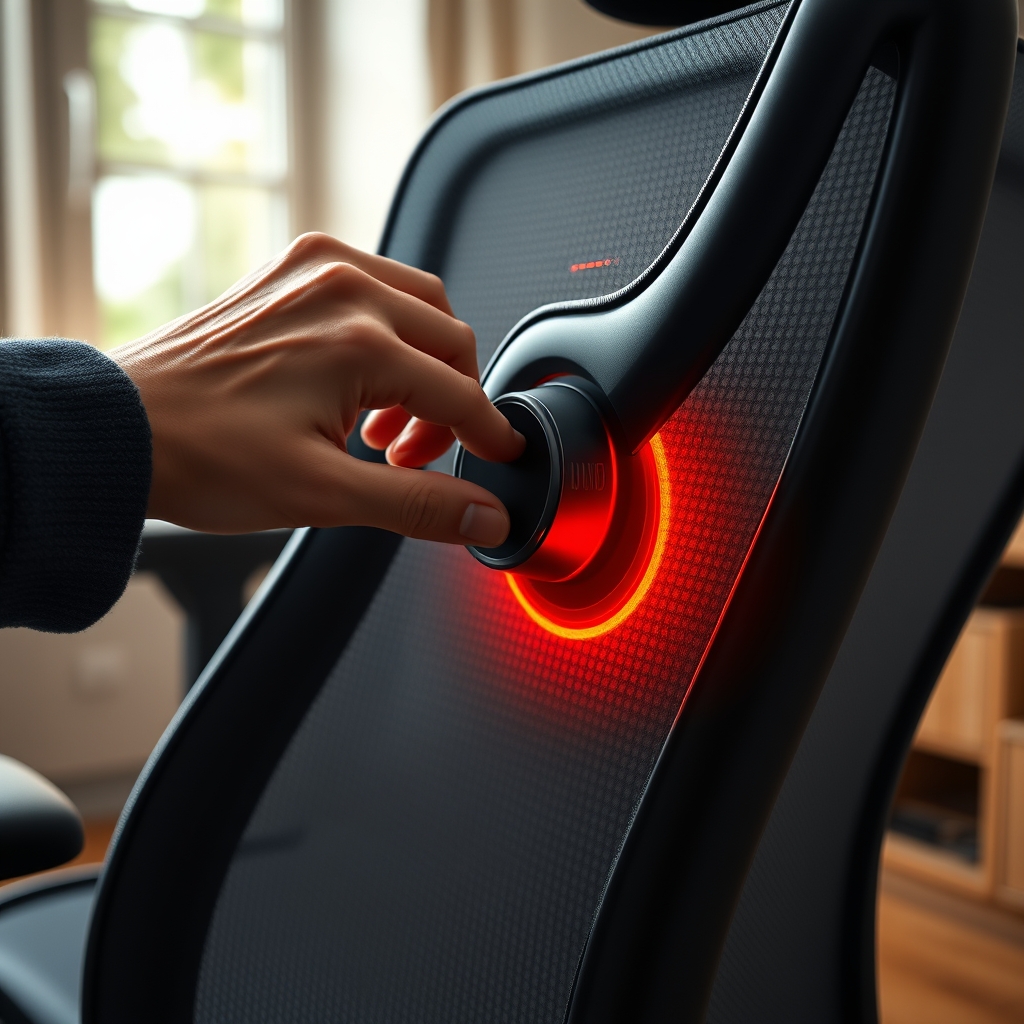
- Dial in Lumbar Support: Slide or adjust the lumbar pad to fit the natural inward (lordotic) curve of your lower back. Move it until it feels supportive, not poking.
- Recline and Lock: Aim for a backrest angle between 100 and 110 degrees. Most back pain sufferers benefit from slight recline, according to Virginia Spine Institute.
- Arm and Head Support: Raise armrests so elbows are bent at 90 degrees without raising shoulders. If available, adjust/pivot armrests inward; use a headrest only if it keeps your head aligned, not pushed forward.
- Monitor at Eye Level: Your monitor should be directly ahead and at, or slightly below, eye level to help your spine maintain neutral alignment while working.
- Move Often: Even with perfect setup, stand up or stretch every 30-60 minutes. Pairing your chair with a standing desk converter can further reduce discomfort, as shown in recent studies.
For renters and flexible workspaces, a battery powered table lamp and a modular bookcase system can help create an ergonomic home office without drilling or permanent changes.
Advanced Analysis and Common Pitfalls
Even with the best ergonomic chair, there are frequent mistakes and limitations you need to anticipate—especially if you have chronic back pain or unique desk setups.
- Inadequate Adjustability: Many cheaper “ergonomic” chairs only offer fixed lumbar shapes. This rarely matches your individual spine curve, and can make discomfort worse. For chronic conditions, such as axial spondyloarthritis, poor fit may actually increase disc pressure.
- Poor Materials for Long Use: Thin mesh or low-quality foam flattens over time. A premium mesh back is ideal for breathability, but lumbar regions are often more effective if padded or semi-rigid.
- Seat Cushion Issues: A firm seat distributes weight well, but if it’s too hard, you’ll feel pressure points on your pelvis and lower back, as Dr. Durney cautions. Always aim for a balance—not plush, but not rock-hard.
- Setup Mismatch: An ergonomic chair won’t solve back pain if your desk is too high/low, or if your monitor forces you to lean forward. Always assess your full workstation.
- Ignoring Movement: No chair can replace regular standing or stretching. Even the best lumbar support will fail if you’re static all day.
- Lack of Certifications: Despite marketing, few chairs earn true orthopedic or ergonomic certifications. Rely instead on technical features—adjustability, mesh for heat, depth control, and reviews from sites like BTOD.
| Feature | Premium Ergonomic Chair | Basic Office Chair |
|---|---|---|
| Lumbar Adjustability | Height and depth both independent | Fixed or only height-adjustable |
| Seat Cushion | Firm, waterfall edge, pressure mapping | Unyielding foam or basic mesh |
| Materials | Premium mesh, hybrid foam back | Low-grade mesh or fabric |
| Armrest Adjustability | 4D (height, depth, width, pivot) | Height only or fixed |
| Warranty/Trial | 5-12 years, trials 30+ days (varies) | 1 year or none |
Consider pairing your ergonomic setup with soft lighting and flexible furniture for maximum comfort. Modular lighting systems help fight eye strain, while multipurpose solutions like murphy bed with desk or storage ottoman bed combinations optimize small home offices.

Conclusion: Your Next Move
A properly adjusted ergonomic chair lumbar support remains one of the most evidence-backed upgrades for office comfort and back health. Don’t settle for a generic chair—seek out models with full adjustability, premium mesh or foam combinations, and user-reviewed performance.
Ready to transform your daily sit? Start with the steps outlined here, and explore modular furniture guides like expandable dining table and modular kitchen storage to create a workspace that truly works for you. Invest in the right ergonomic chair lumbar support today, and give your spine the break it deserves.
FAQ
How can I tell if my lumbar support is adjusted correctly?
Your lower back should feel gently supported—not forced—when you’re sitting all the way back in the chair. There shouldn’t be gaps between your lower back and the chair, and no pressure behind your knees.
Mesh or foam: which is better for lumbar support in ergonomic chairs?
Mesh backs promote airflow and can prevent overheating during long workdays, but lumbar areas usually do better with firmer foam or semi-rigid supports for direct relief. A hybrid design is often most effective.
Can a lumbar support solve all types of back pain?
No—while it helps most people with mild to moderate lower back pain and poor posture, it’s not a cure for medical conditions like herniated discs or advanced spinal arthritis. Consult a health professional if your pain persists.
Is it worth paying more for an ergonomic chair with fully adjustable lumbar support?
Yes, studies consistently show better results when lumbar support can be fully customized. While premium chairs cost more upfront, they’re a worthwhile investment for people who spend many hours sitting.
Are there any alternatives if I can’t afford a top-end ergonomic chair?
Yes. Use a rolled towel or portable lumbar cushion behind your lower back for short-term relief. Prioritize simple ergonomic practices: adjust your desk height, stand up often, and keep your monitor at eye level.